.png)

Header Text
Booking an appointment, checking a bill or updating an account can now begin with a website, an app or a password. Many older Aucklanders use these tools confidently every day. Even so, when a screen changes or an instruction is unclear, a simple task can suddenly take much longer than expected.That frustration is not a measure of your intelligence. Digital services change frequently, and they are not always designed around the people expected to use them. Recent New Zealand research with older people found a wide range of experiences: technology could support independence and connection, but it could also cause stress and exclusion.You do not need to master every device or app. A few steady habits can help you complete the task you choose, protect your information and remain in control.
Write down the one thing you want to achieve: “renew this prescription”, “download this statement” or “change this appointment”. Keep any reference number nearby and allow more time than you think you will need.Start from an official website or an address you already trust. If a message contains a link and you were not expecting it, do not feel rushed into using it. Find the organisation’s official website or publicly listed phone number yourself.
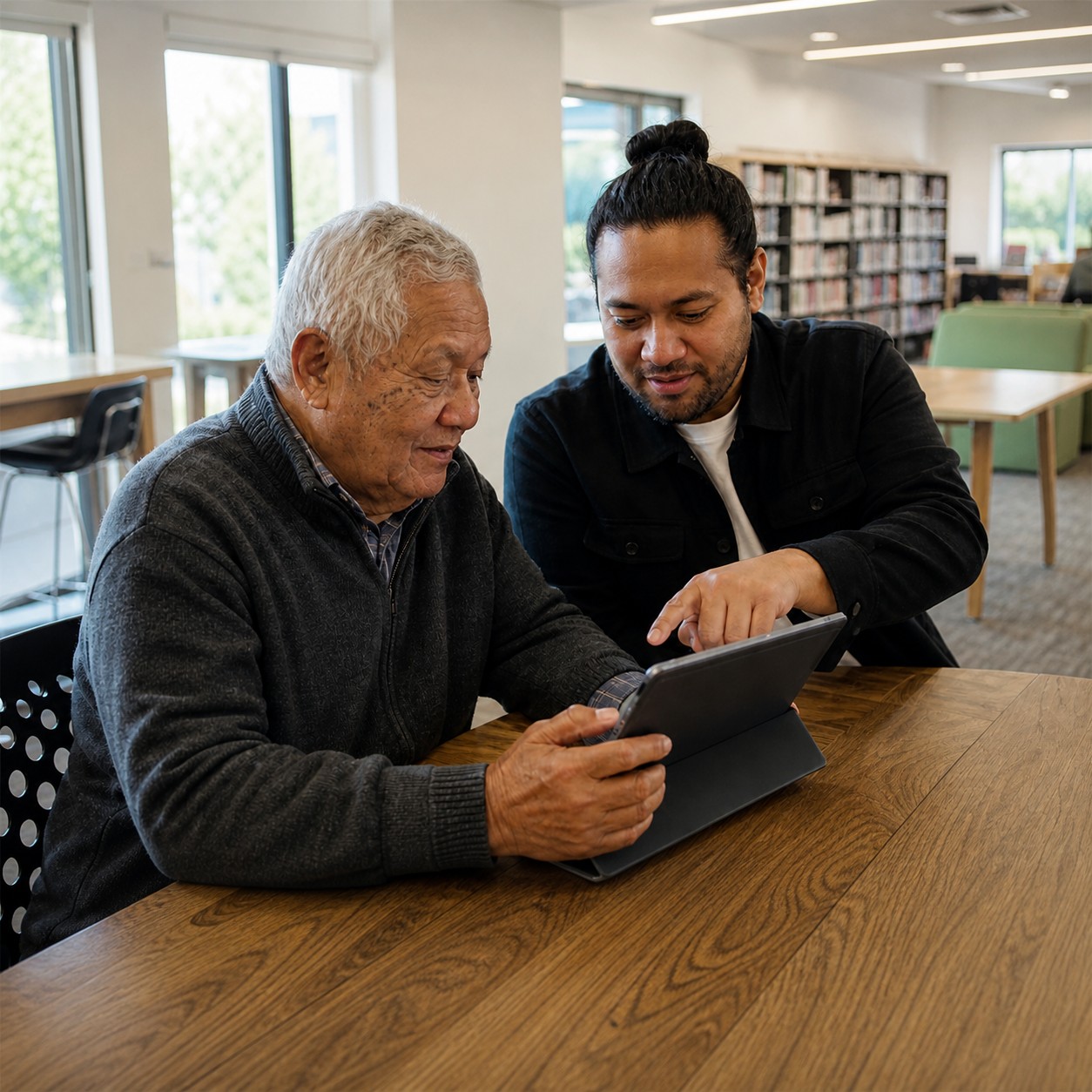
A trusted person can sit beside you, explain a step and give you time to try it yourself. Keep hold of your device, and keep passwords and one-time security codes private.Ask the person to write down the steps in words that make sense to you. If they move too quickly, it is reasonable to ask them to stop and begin that step again. The aim is not merely to finish today’s task; it is to leave you with more confidence for next time.
Where it is available, two-factor authentication adds a further layer of protection to an account. Email and banking accounts are useful places to begin. If the setup feels unfamiliar, ask a trusted helper to talk you through it while you retain control of the device and codes.
Online may be one way to reach a service, but it may not be the only way. Ask whether help is available by phone, in person or through another accessible route. New Zealand’s guidance for inclusive public digital services recognises that some people cannot use a digital channel and that alternatives should be considered.An alternative is not a favour. It can be the practical route that allows you to use an essential service.
Once you have completed a task, take a minute to leave yourself a clear path back. Bookmark the official page or write down how you reached it. Record the date, what you did and any reference number you were given—but do not record a password or security code in the same note.You can also adjust the device to suit you. Increasing the text size, using the zoom control or turning on a read-aloud feature may make a crowded page easier to manage. If you are working with a tutor or trusted helper, ask them to show you the setting and then let you practise changing it.Websites and apps will continue to change. A short set of notes in your own words can be more useful than trying to remember every screen. Keep only the steps you need, and update them when the process changes.
Scams can happen to anyone. If you think you have shared banking information or lost money, stop communicating with the person and contact your bank as soon as possible using its official number. Change any password you disclosed, beginning with your email or financial accounts, anreport the incident to the National Cyber Security Centre.There is no benefit in feeling embarrassed or waiting to see what happens. A quick response can limit further harm.
At Age Concern Auckland, we offer several ways to help older Aucklanders build digital confidence. Our Technology for Seniors workshop provides 2.5 hours of individual tuition using your own phone, tablet or laptop. We also offer a one-hour Scam Alert presentation and digital literacy training tailored for people who speak Mandarin, Cantonese, Korean, Japanese and Hindi.Get in touch with us to find the option that suits you. You might bring one task you would like to complete and one question you would like answered. Learning one useful task at a time can make technology work better for you.To find out more about our digital literacy support: visit our Digital Literacy Training page or phone us on 09 820 0184, Monday to Friday, 9am–4pm.